There is a particular look a child gets when they hear their own name in a story. Suddenly the story isn’t about someone else — it’s about them, their sister, their dog and the park at the end of their road. Stories that feature a child are an easy way to make reading together feel special, and they’re the thing KidsGotWings was built around.
This walkthrough takes you from an empty account to a finished story starring your family, step by step. Set aside about ten minutes for the set-up; after that, a new story takes one sentence.
Step 1: Add your family
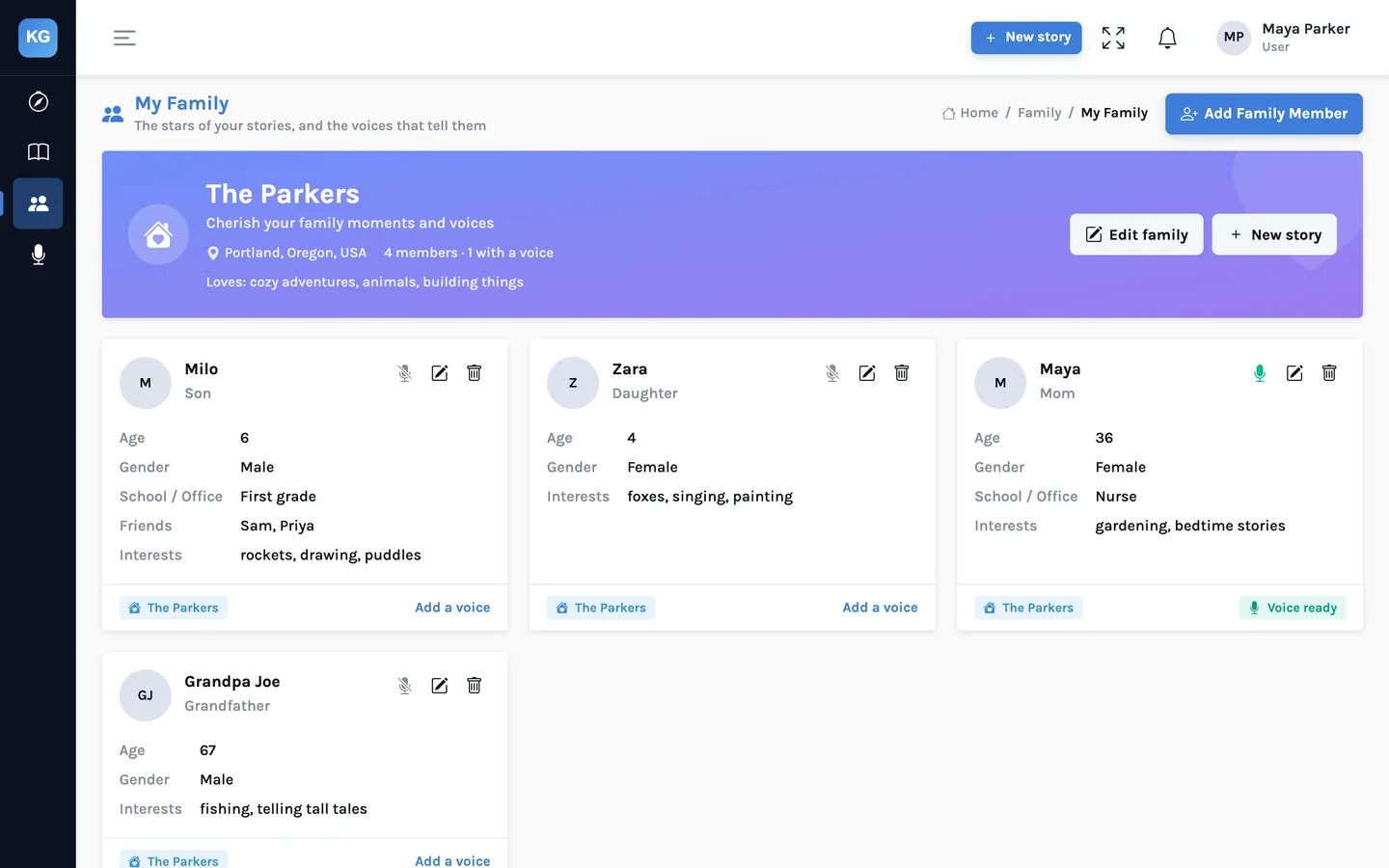
Open My Family and create your family. Only a family name is required. You can add a city if you’d like stories to mention where you live — it’s optional, and you can leave it out.
Then add the people. For each family member you give a name, an age, a gender and how they’re related to you. There is also room for the details that make stories feel true: what they love, their school, their friends. All of those are optional. Add as much or as little as you’re comfortable with.
An example family set-up
| Family | The Rivera family, Austin |
|---|---|
| Mira | Age 5 · daughter · loves foxes, puddles and the color yellow |
| Leo | Age 7 · son · loves rockets and drums; best friend Sam |
| Ana | Mom · loves gardening and terrible puns |
| Grandpa Joe | Grandfather · loves fishing and very long stories |
Step 2: Start a new story and pick the cast
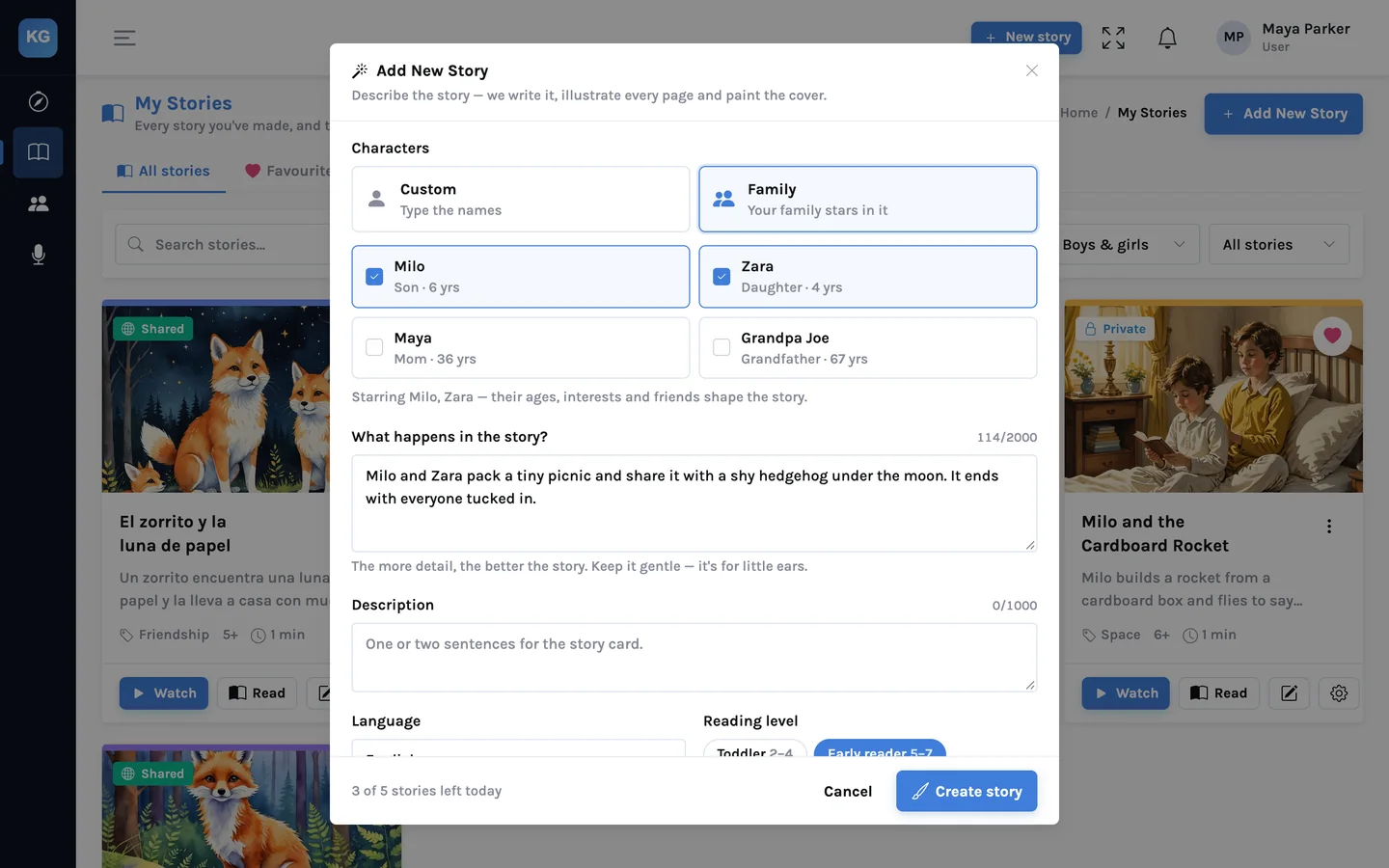
Press New story. Give it a title, then choose who’s in it. You can type made-up characters, or switch to your family and tick the people who should appear — up to eight in one story. Grown-ups and grandparents can be characters too, which children tend to find very funny.
Because the story already knows each person’s age and interests, your prompt can be short. You don’t need to explain that Mira is five and loves foxes; you only need to say what happens.
Step 3: Write the prompt around their day
The best material is whatever happened today. A lost tooth, a rainy walk, a new word, a wobble on the bike. A story that begins with something real and wanders somewhere magical is the kind a child asks to hear again.
- Mira finds a small fox on the garden wall who has lost the moon. They look for it together and find it was only hiding behind a cloud. It ends with Mira back in bed and the moon shining in through the window.
- Leo’s drum kit turns out to be a spaceship control panel. He and Sam fly once around the moon and are home before breakfast.
- It rains so much that the street becomes a river, and Mira and Leo paddle to Grandpa Joe’s house in a soup pot to bring him his fishing hat.
For more on shaping a prompt, see How to write a great bedtime-story prompt.
Step 4: Choose the story options
Under the prompt are the options that shape how the story is told:
- Language — one of 14, for the words and the narration.
- Moral or lesson — optional. “Being brave in the dark” or “taking turns” is enough.
- Art style — watercolor is the default; there are also cartoon, storybook, 3D, paper cut-out, pencil sketch and anime.
- Reading level — ages 2–4, 5–7 or 8–10. If you have two children, aim for the younger one; the older one will enjoy being in it anyway.
Step 5: Create, then read it through
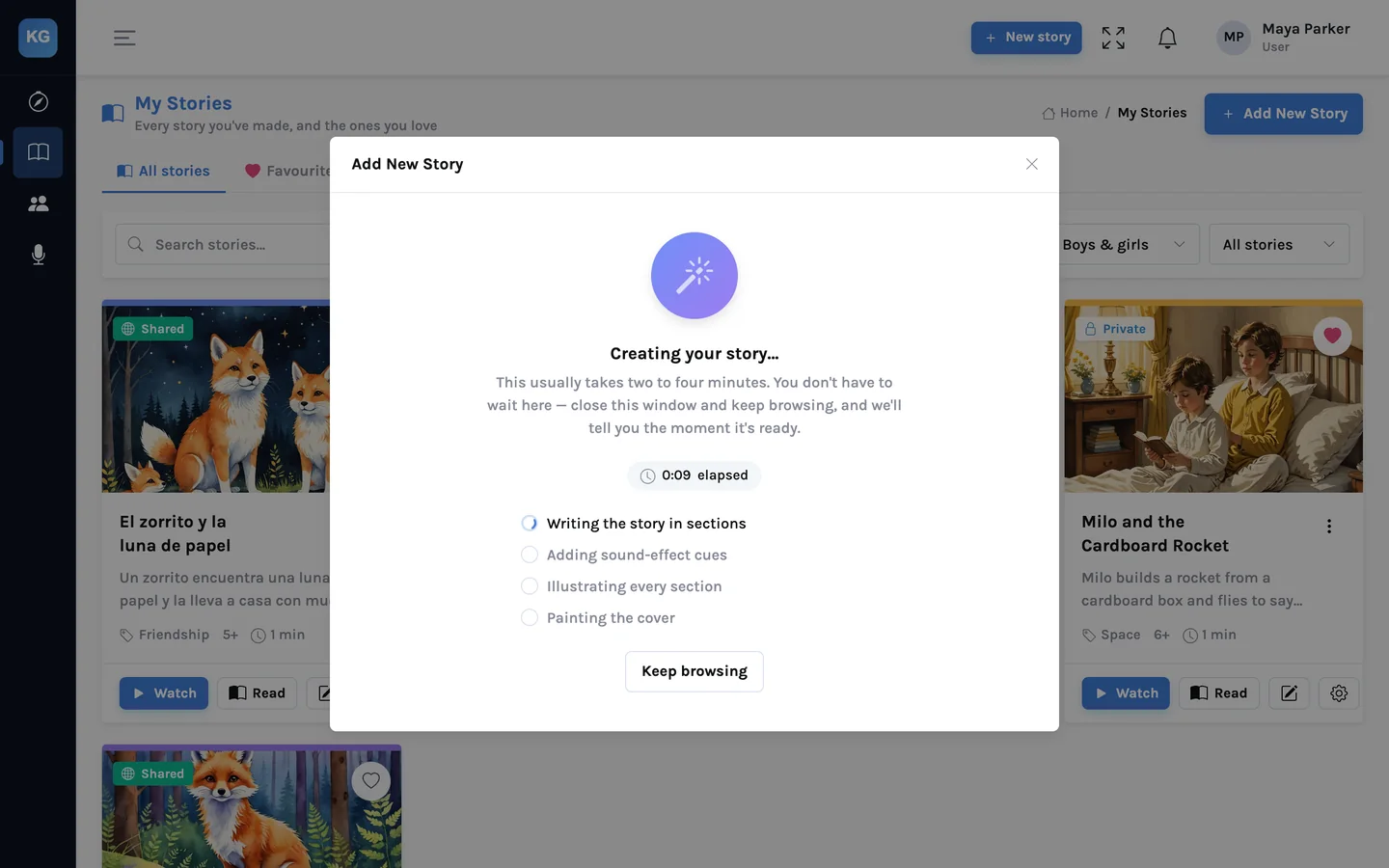
Press create. Writing and illustrating a story takes a few minutes; you can close the window and you’ll be told when it’s ready.
When it’s done, read it once yourself before bedtime. Stories are written by AI, and while each idea is checked for suitability before a story is written, only you know your child. This is also the moment to make it more yours:
- Fix the small things. Open the sections and edit any text directly — add the name of the cuddly toy, or the thing Grandpa always says.
- Redraw a picture if a character doesn’t look right — type a short note and press Regenerate Image on that section. Illustrations are drawn fresh for each section, so a character can look a little different from page to page; redrawing with a short note usually helps.
- Pick the voice. Choose a stock storyteller, or a grown-up in your family who has recorded their voice.
What it sounds like
Here’s the kind of opening the first prompt above leads to. We wrote this excerpt ourselves as an illustration:
Example excerpt · Mira and the Moon Fox
Mira tiptoed to the window. There, on the garden wall, sat a small fox with fur the color of marmalade.
“I’ve lost the moon,” whispered the fox. “I had it a minute ago. Will you help me find it?”
Mira looked at the dark garden. It was very dark. Then she looked at the fox’s hopeful face — and reached for her yellow rain boots, because a girl who loves puddles is always ready.
Notice what the details do. The yellow boots and the puddles come from Mira’s profile, not from the prompt. That’s the difference a filled-in family makes.
Step 6: Read it, watch it, keep it
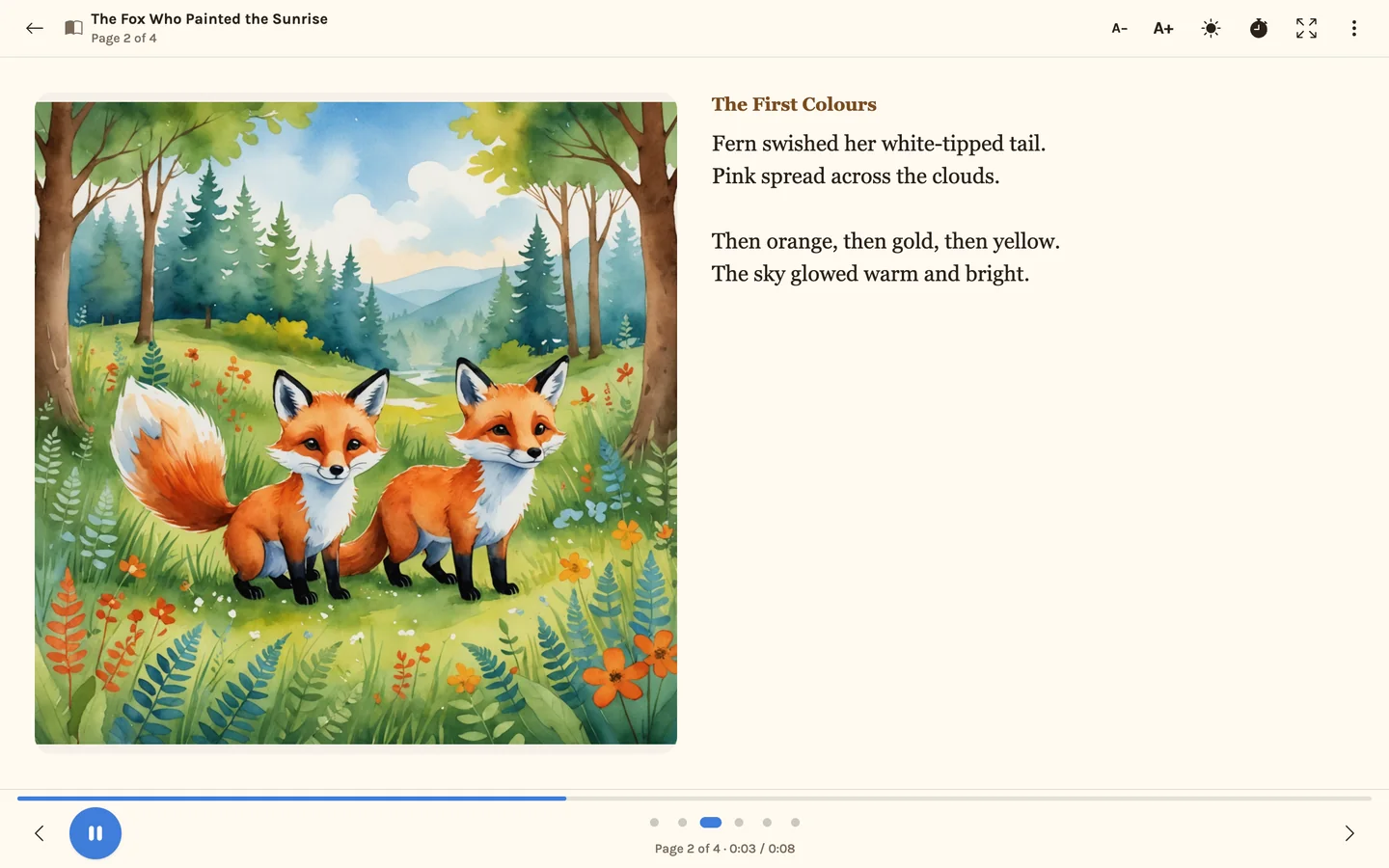
Open the story in the reader and turn the pages together, with narration or in your own voice. You can also watch it as a captioned film, or print it as a picture book for the shelf.
A word on privacy
A story about your child is personal, so it’s worth knowing where it goes:
- Stories are private by default. Only you can see a story unless you switch on Share in Discover for it.
- Sharing is a choice, per story. A shared story appears in the public library and can be opened by anyone with its link. If a story uses your child’s real name or other personal details, think about whether you want it to be public — you can always share a different one.
- You can take it back. Switch sharing off, delete a story, or delete all of your data from your account page.
More on this in How we keep stories safe for kids.
Ten more starring-role ideas
- The night our child became the zookeeper and had to put every animal to bed.
- A letter arrives addressed to our child from the tooth fairy’s apprentice, who needs directions.
- Our children open a ferry service across the bath for rubber ducks.
- The day the family cat swapped places with our child, and nobody noticed until dinner.
- Our child is asked to paint the sunset because the usual painter has a cold.
- Grandma and our child bake a cake so tall it needs a ladder — and a plan for eating it.
- Our child finds the place where lost socks go, and it’s lovely there.
- A snowman knocks on the door in July asking to borrow the freezer.
- Our children teach a baby dragon to whisper.
- Our child’s shadow wants to stay up late, and has to be talked into bed.
Once you have one story they love, you can keep it going: see Sequels: turning one good night into a series.
Make tonight’s story
Describe it in a sentence, or pick your family as the characters. It’s free to start, and private unless you choose to share.
Create your first story