
AI bedtime stories, made with you
Bedtime stories starring your family.
Describe a story, or pick your own children as the characters. KidsGotWings writes it, illustrates every page, and reads it aloud in a storyteller’s voice or your own.
- Free to start
- Private by default
- No ads
How it works
From “once upon a time” to “the end” in four steps
No writing skills needed. You bring the idea and the people; the rest is done for you, and you can change any of it.
Describe tonight’s story
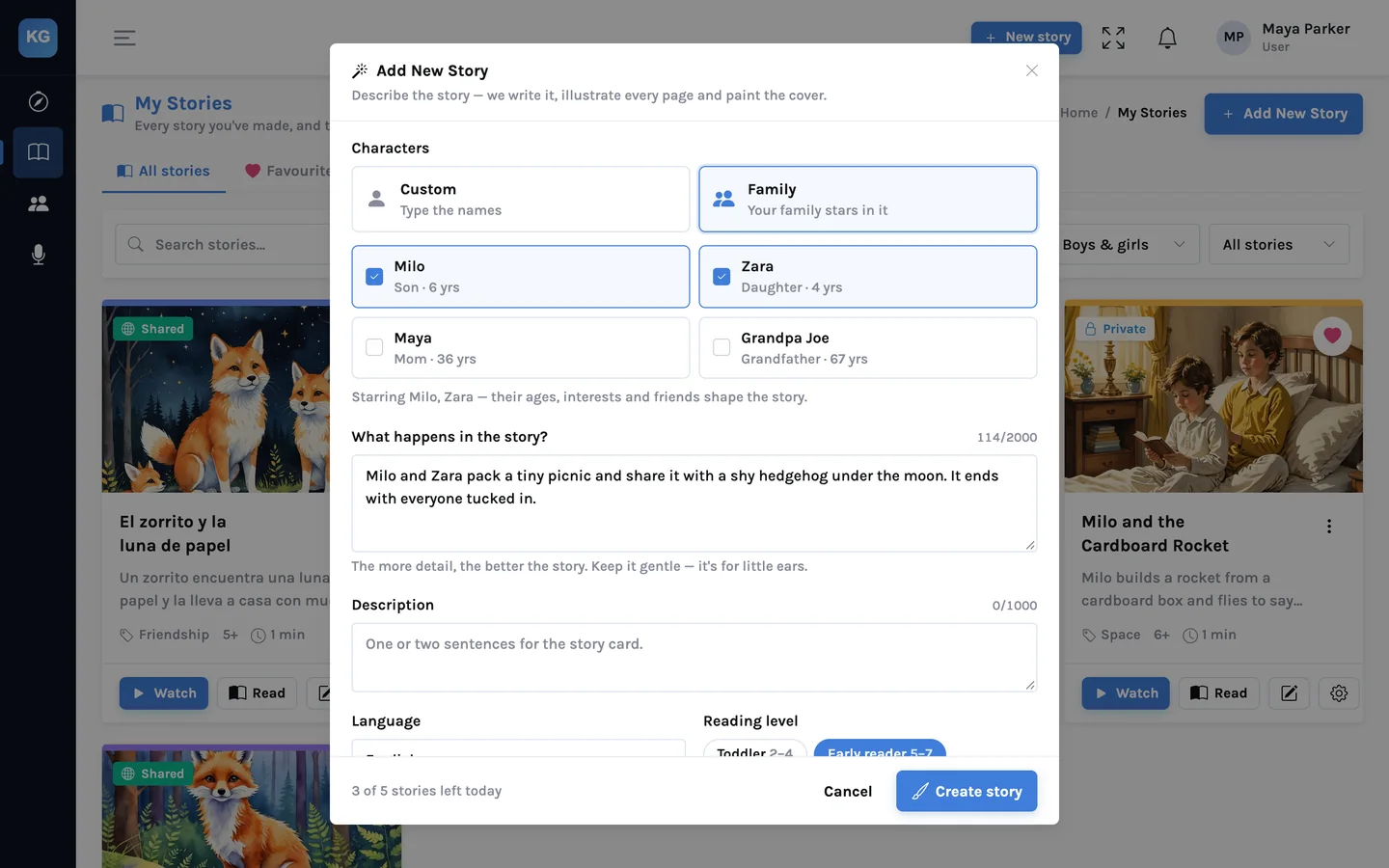
Type a sentence or two, or tap an idea starter. Choose who’s in it: made-up characters, or your own family.
It’s written and illustrated
The story is written in sections, each with its own picture, in the language, art style and reading level you chose.
Make it yours
Change any section’s words, redraw a picture you don’t love, and pick a narrator: a stock storyteller or a grown-up’s own voice.
Read it, watch it, keep it
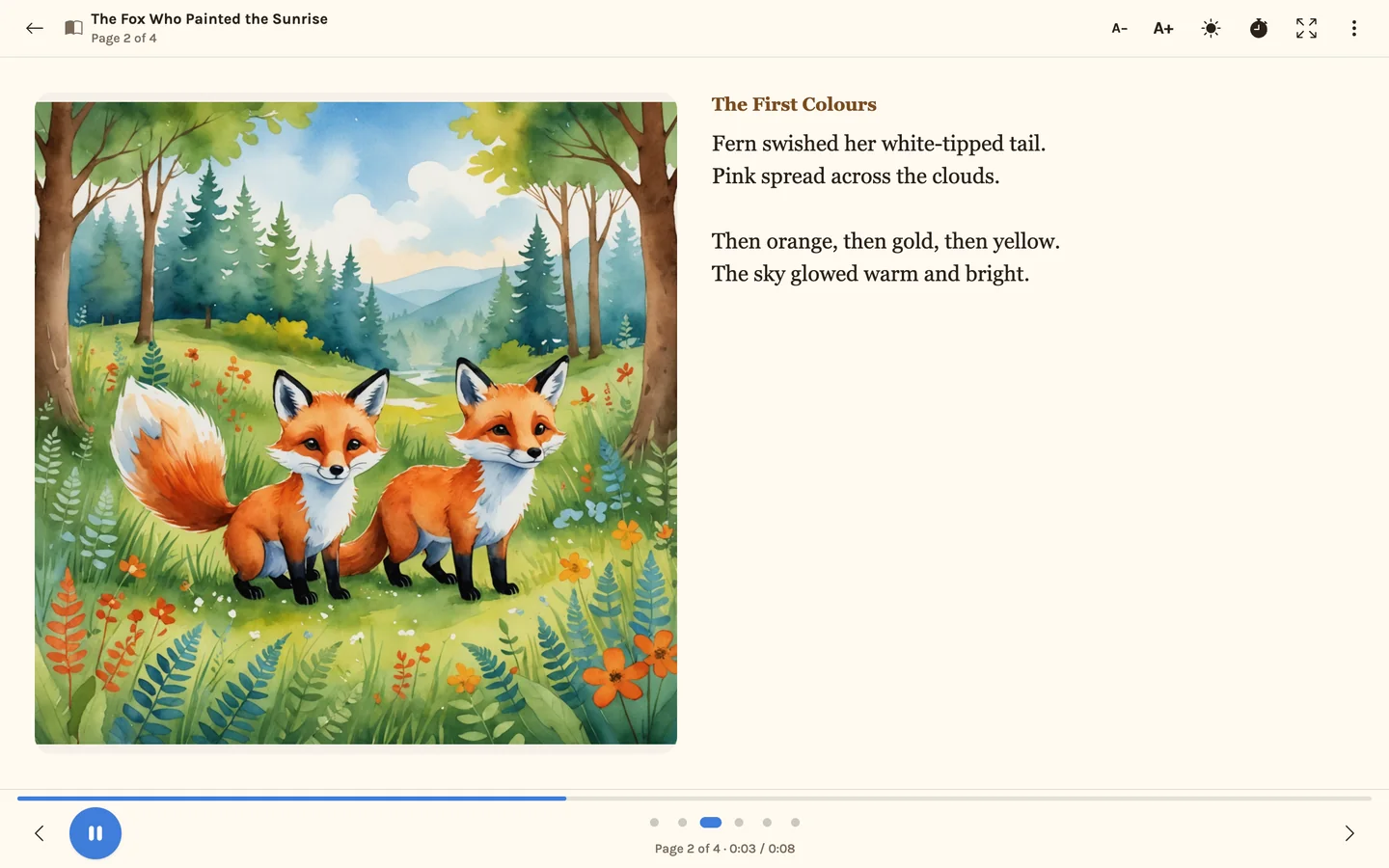
Turn the pages in the read-along reader, watch it as a captioned film, or print it as a picture book. Keep it private, or share it.
Your family as the characters
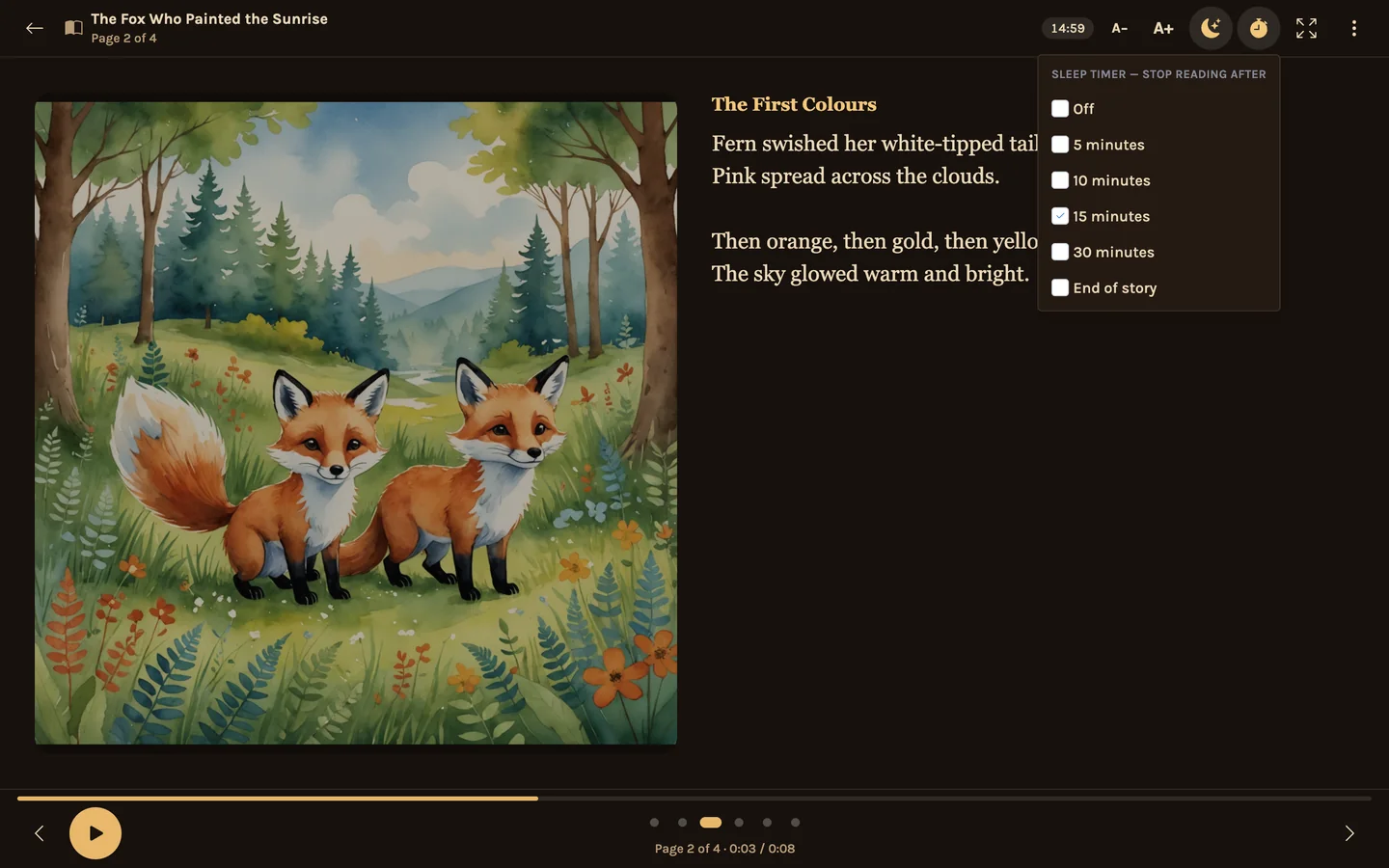
The story already knows she loves foxes.
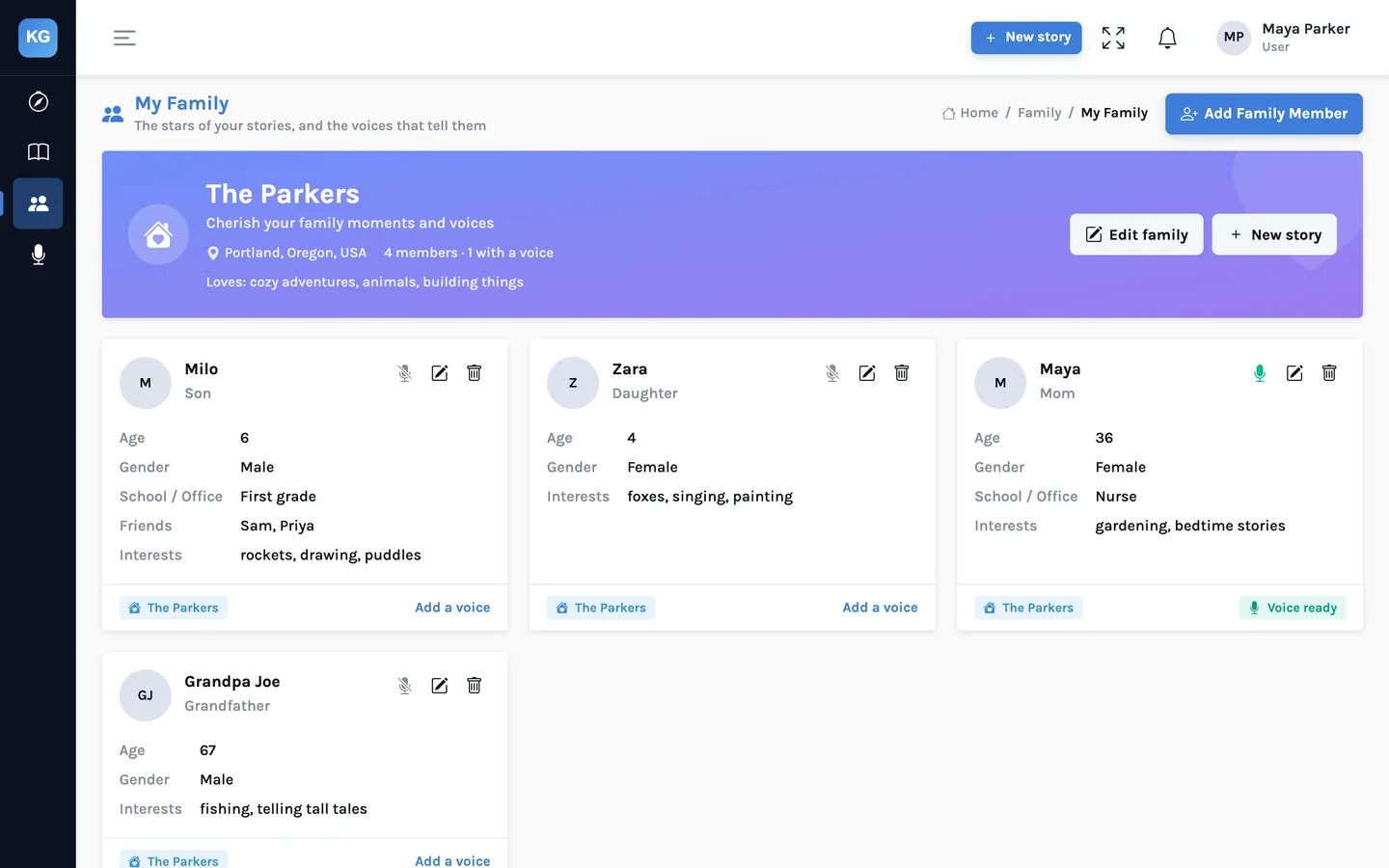
Add your family once: names, ages, favorite things, your city if you like. After that, any story can star them, and your prompt can be a single sentence.
- Pick up to eight family members for a story: children, parents, grandparents.
- Most details are optional. Add as much or as little as you’re comfortable with.
- Prefer invented characters? Type them in instead.
Make it yours
Tonight in watercolor. Tomorrow in Spanish.
Every story has options for the language, a lesson to carry, the art style and the reading level. And when it’s written, you’re the editor.
- 14 languages, for the words and the narration.
- Seven art styles: watercolor, cartoon, storybook, 3D, paper cut-out, pencil sketch, anime.
- Reading levels for ages 2–4, 5–7 and 8–10.
- Edit any section’s words, or redraw any picture.
A voice they know
Read to them tonight, even from another time zone.
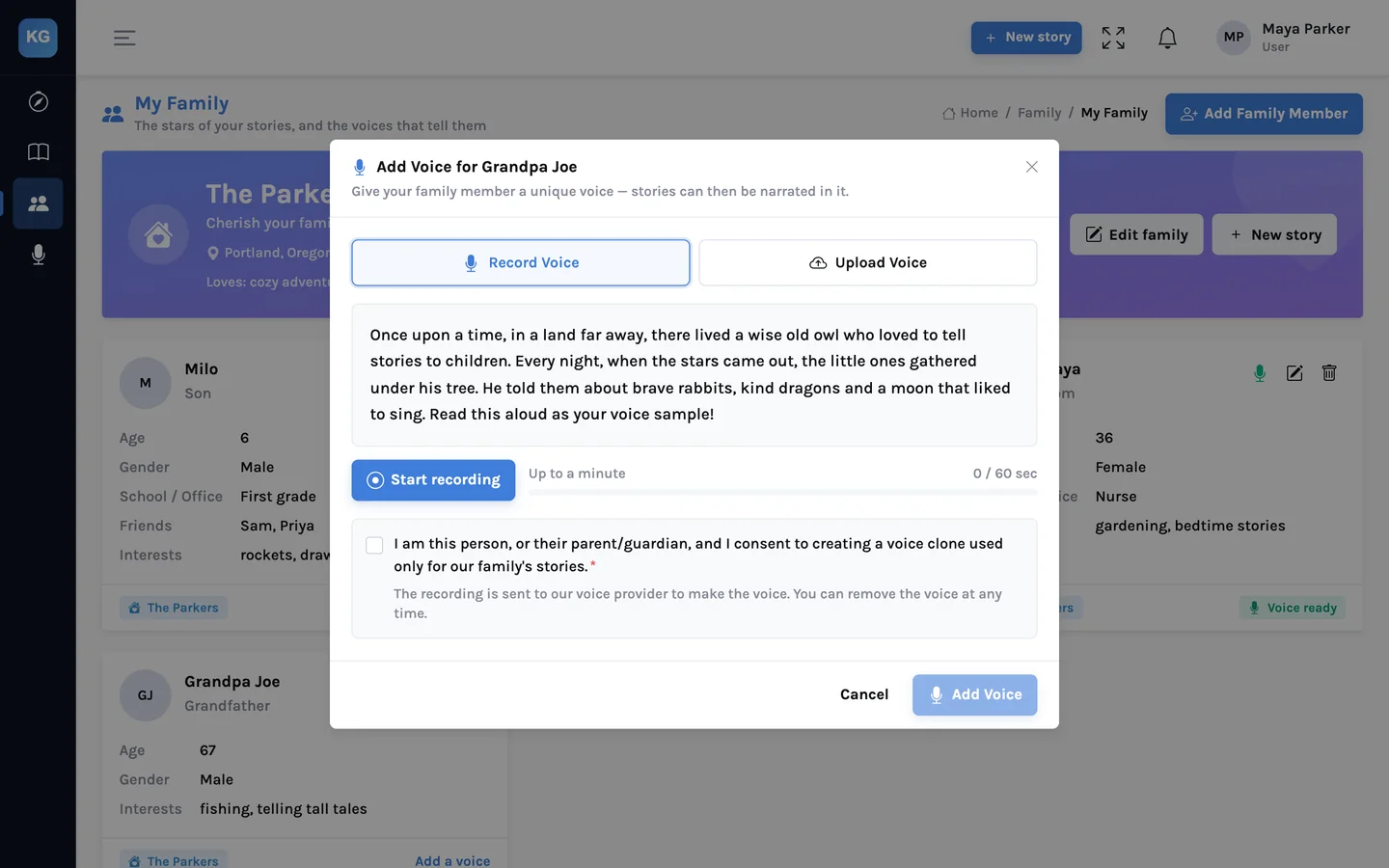
Choose a stock storyteller or, if you want to, record a short sample and have stories narrated in a voice modeled on yours, with sound effects.
- Voice cloning is opt-in, and asks for explicit consent before a voice is created.
- A family’s voices are only offered in that family’s account.
- Remove a voice whenever you like.
Read, watch, keep
A reader that knows it’s bedtime.
Turn the pages together in the read-along reader. Switch on bedtime mode for a dark room, set the sleep timer, and let the story end by itself.
- Watch any narrated story as a captioned film, and download it.
- Print it, or save it as a PDF picture book.
- Mark favorites, and continue the best ones with a sequel.
Straight from the app
Pictures it has painted
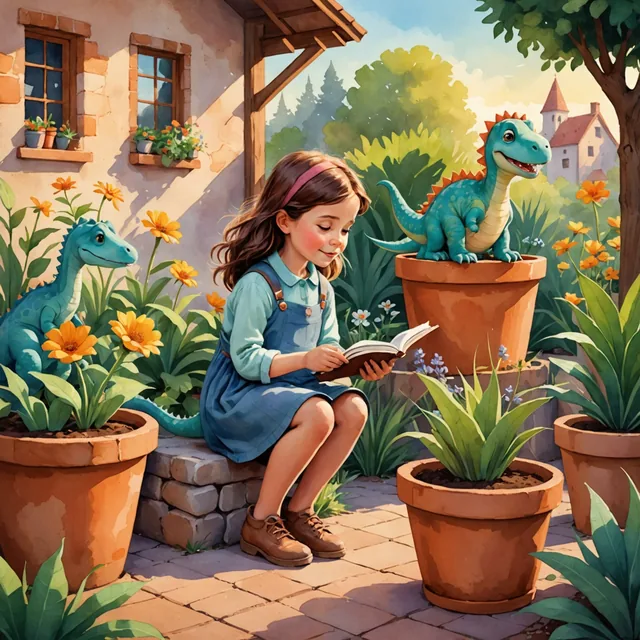
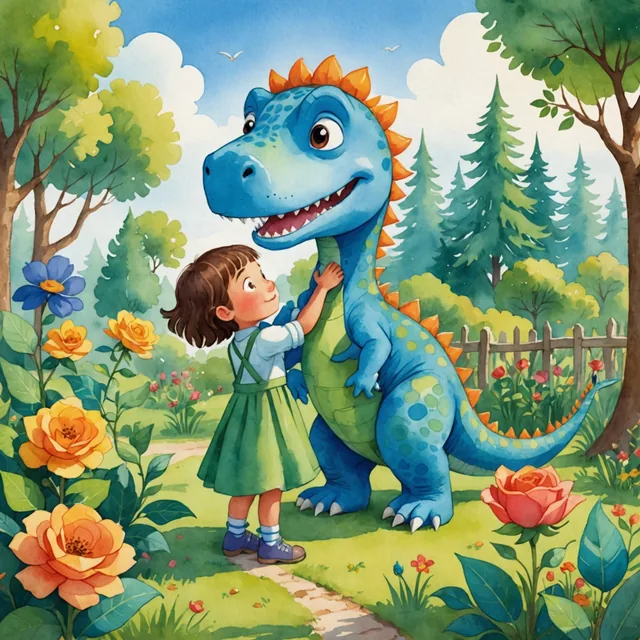
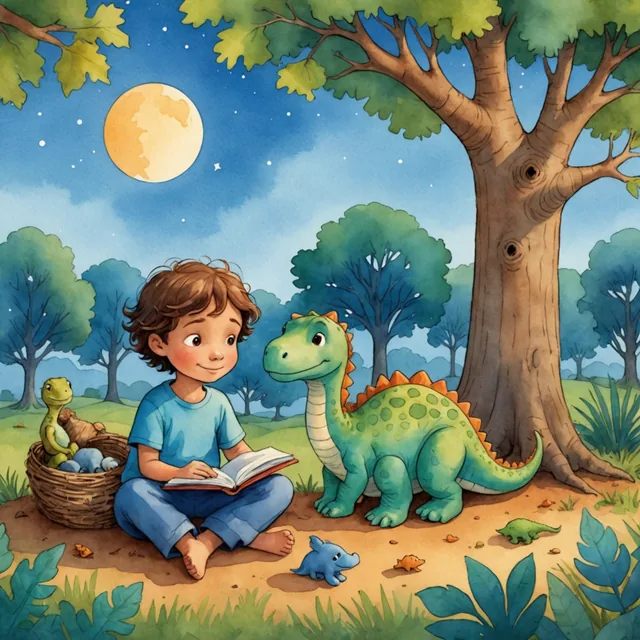
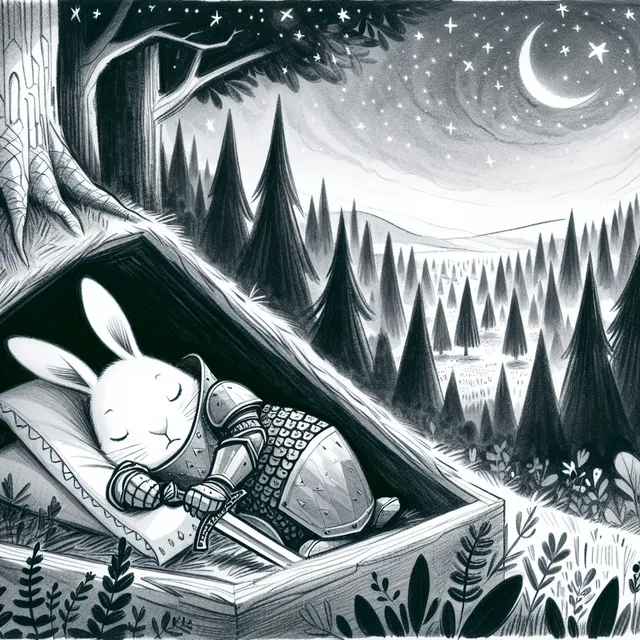
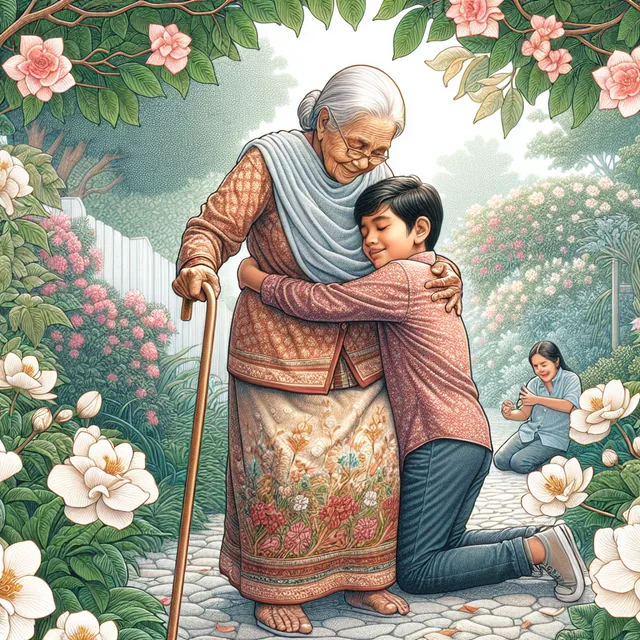
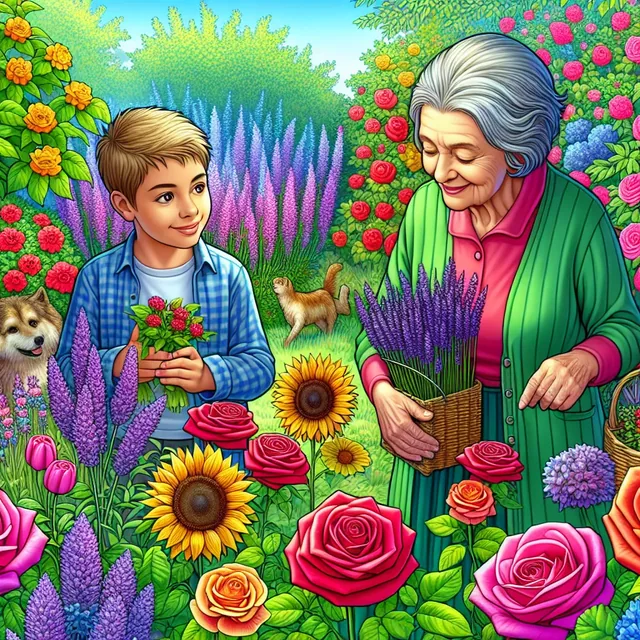
These are illustrations from stories made with KidsGotWings, in several different styles. They are drawn by AI, so a character can change a little from page to page. You can redraw any picture you don’t love.
The story library
Not sure what to make? Start by listening.
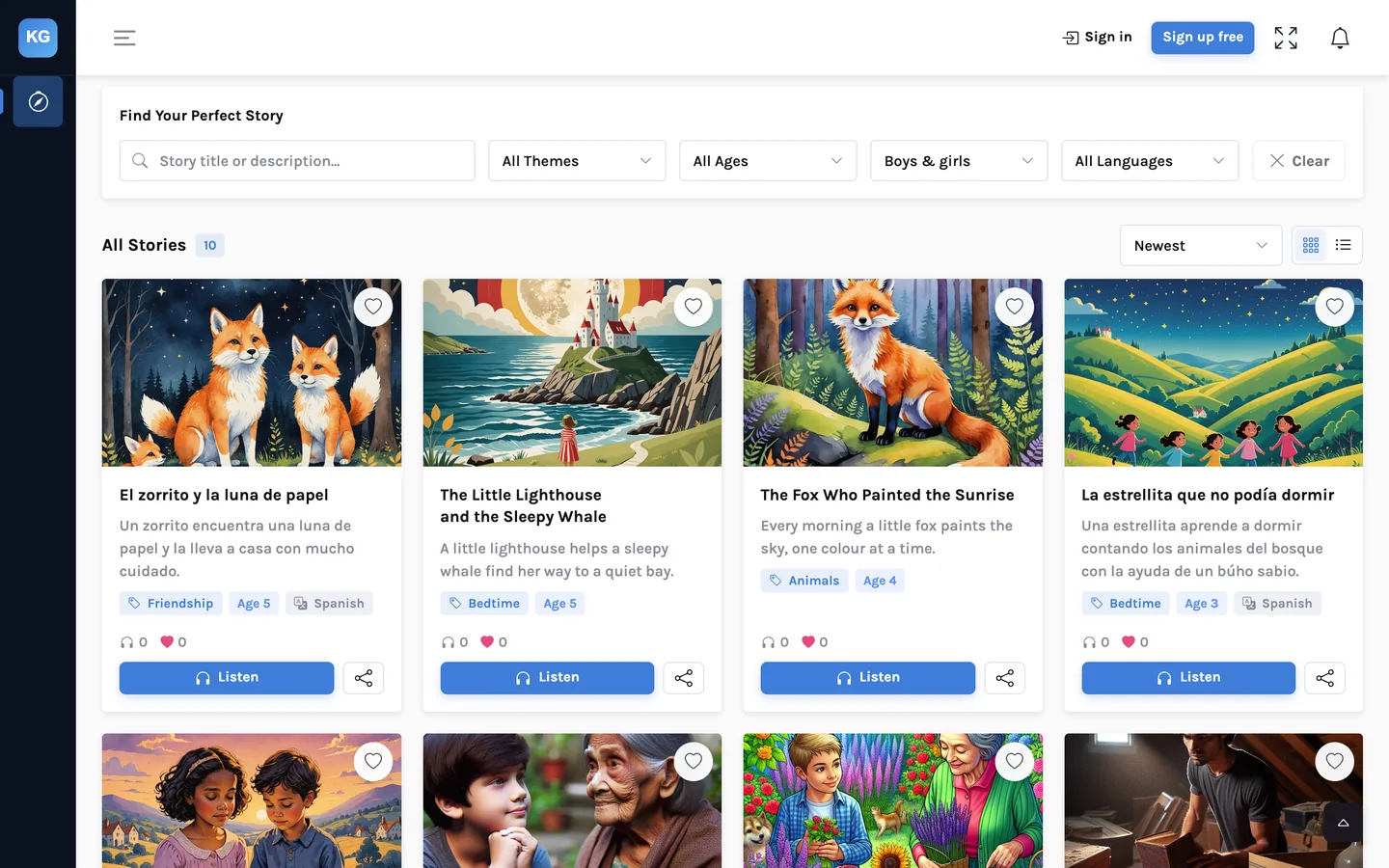
Discover is a public library of stories that families chose to share. Search it, filter by theme, age or language, and open any story without an account.
Safety & privacy
Built for children, so built carefully.
Stories about your child are personal. Here is what the product does to keep them appropriate, and to keep you in charge.
Stories and pictures are made by AI, which can make mistakes, so please read a story yourself first. You can edit or redraw anything.
Private by default
A story is visible only to you unless you choose to share it in Discover, and you can un-share it.
Ideas are checked first
Every story idea is checked for suitability for children before anything is written.
Voices need consent
Voice cloning is opt-in, asks for explicit consent, stays in your family’s account and can be removed.
Report and moderation
Any shared story can be reported, and moderators can remove it from the library.
Your data, your call
Download your data or delete it from your account page.
No ads
No advertising, anywhere in the product.
Use cases
One tool, many kinds of story time
Families use stories for different things. Here are a few; each has ideas and an example prompt.
The bedtime routine
One calm story, the same way every night.
Your child as the hero
Their name, their friends, their favorite things, in the story.
Reading from far away
For grandparents, and parents who travel, work nights or are deployed.
Bilingual families & language learning
The same bedtime, in two languages.
Teaching a value, gently
Sharing, courage, a new sibling, the first day of school, the dentist.
Teachers & classrooms
The right story for this class, today.
Birthdays & keepsakes
A picture book with their name in it.
Children who like to know what’s coming
Familiar characters, predictable shapes, and stories about what happens next.
From the blog
Guides, prompts and worked examples
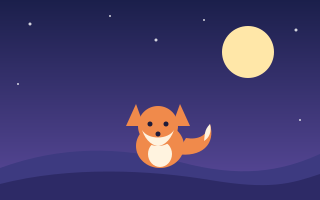
Sequels: turning one good night into a series
When a child asks “what happened next?”, you can find out together. How to continue a story, keep a series consistent, and ten series ideas to start.
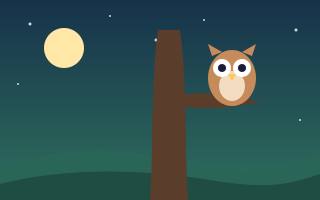
Classroom story time: ideas for teachers
Eight ways to use custom stories with a class — mascot series, topic openers, routines, language learners — with twelve prompts and ground rules on pupils’ privacy.

How we keep stories safe for kids
Private by default, an idea check before anything is written, reporting and moderation, consent for voices, and control of your data — plus what we can’t promise.
Is it free? What are the limits?
KidsGotWings is free to start. Free accounts have daily limits on how many stories, pictures, narrations, films and cloned voices they can create.
Your account page shows what you’ve used today and when the limits reset. If you reach a limit, you’ll see a message telling you when you can create more.
Can my child be the hero of the story?
Yes. That’s what it’s for. Add your family once in My Family (names, ages, interests and, if you like, your city), then pick up to eight family members as the characters when you create a story.
Most of those details are optional. You can also skip your family entirely and type in made-up characters.
How does reading in my own voice work? Do I have to use it?
You don’t have to. It’s opt-in, and every story can be narrated by a stock storyteller voice instead.
If you want to use it, a grown-up records themselves reading a short passage (up to one minute) or uploads a recording, and confirms their consent. A voice modeled on that sample is then created by our voice provider, ElevenLabs, and can be chosen as the narrator for your family’s stories.
Are my stories private?
Yes, by default. A story is visible only to you unless you switch on “Share in Discover” for that story. You can switch it off again at any time.
To make a story, the idea and details you type are sent to the AI services that write, illustrate and narrate it. Our privacy page lists who they are.
How do you keep stories appropriate for children?
Each story idea is checked for suitability before anything is written; unsuitable ideas are turned down. Every story shared in Discover can be reported, and moderators can remove a story from the library.
Stories and pictures are made by AI, which can make mistakes. Please read a story yourself before reading it to your child. You can edit or redraw anything you don’t like.
Can I download or delete my data?
Yes. From your account page you can download your data: your families, family members, stories and their sections.
From the same page you can delete your data: your stories and their files, your cloned voices, your family members and your families. You’re asked to confirm first, because it can’t be undone.
Tonight’s story is one sentence away.
Describe it, or pick your family as the characters. It’s free to start, and private unless you choose to share.